Getting Started
Welcome to Ultimate Extractor! Follow these steps to start tracking your EA performance.
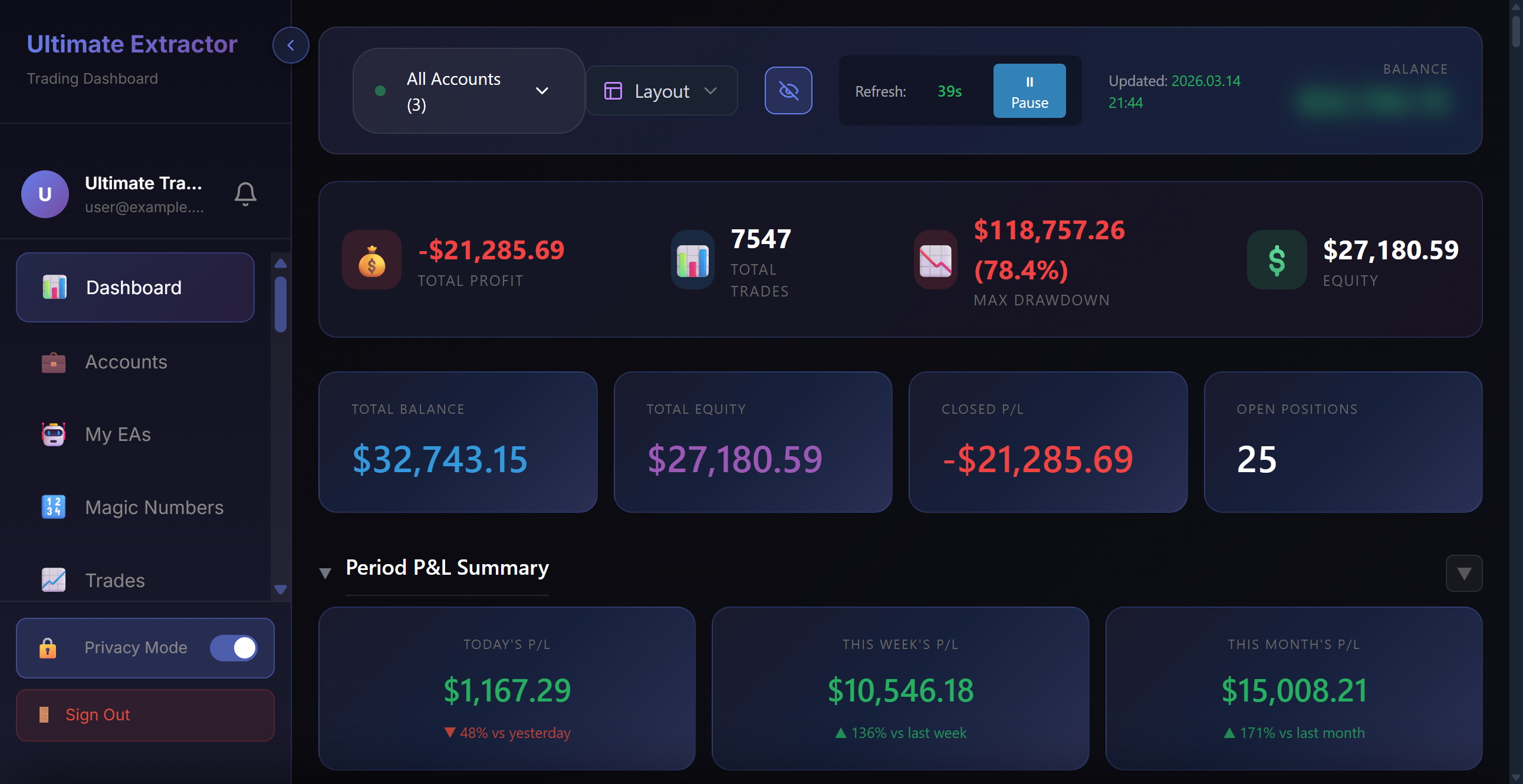
Create Your Account
Sign up for a free account to get started. No credit card required.
Create free accountGenerate an API Key
Go to your dashboard and navigate to API Keys. Click "Generate API Key" to create a unique key for your trading account.
Go to API KeysDownload the Connector EA
Download our free MetaTrader 5 Expert Advisor that securely sends your trade data to Ultimate Extractor.
Download from EA StoreConfigure MT5
In MetaTrader 5, go to Tools → Options → Expert Advisors and enable:
- Allow automated trading
- Allow WebRequest for listed URL
Add this URL to the allowed list:
https://ultimateextractor.comHaving connection issues? Use our Diagnostic Tool to troubleshoot.
Attach EA to Chart
Drag the Ultimate Extractor Connector EA onto any chart. Paste your API key in the EA settings. The EA will automatically start syncing your trades.
Quick Tip
You only need to attach the EA to one chart. It will collect trade data from all symbols automatically. Running multiple instances is not necessary.